Build the Patient List Page with Lovable
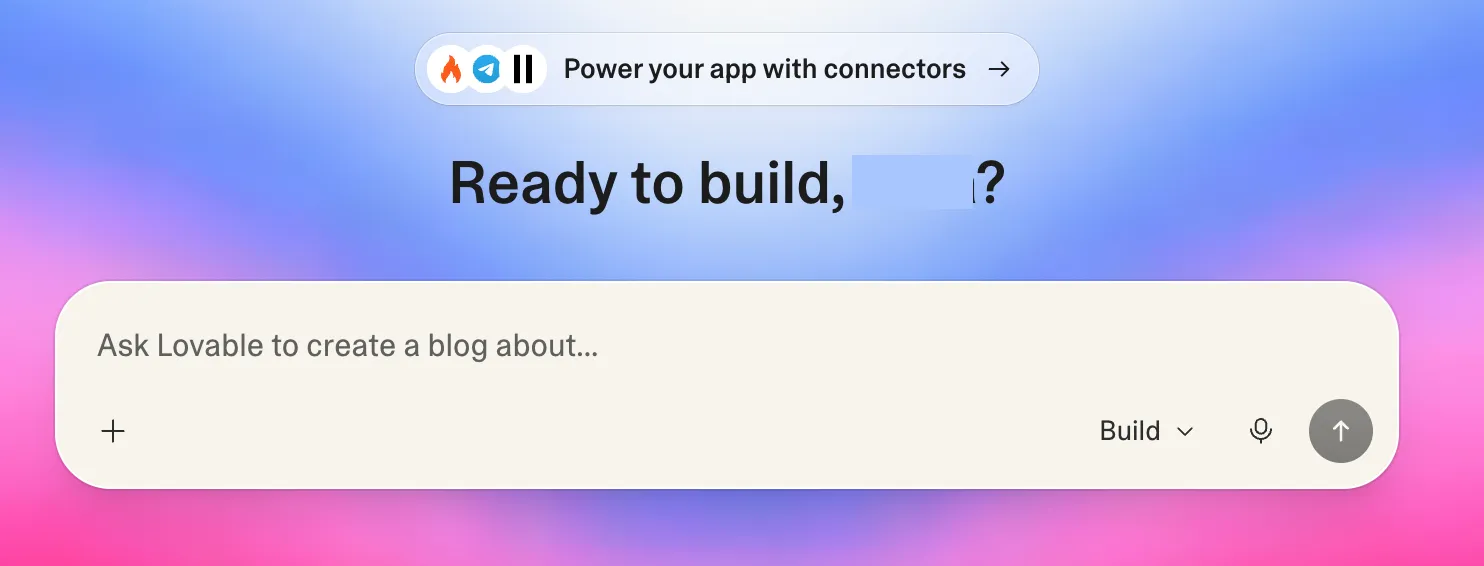
Lovable is a vibe coding tool. You can describe what you want in simple language and it builds it for you. You don’t need to write any code. There are other tools you can use too, like Replit, Bolt, etc., and the process to build with them will be similar to what we show here.
Before you get started, create a free account at lovable.dev.
Understanding the prompt
The key to building a good prompt is to give it as much domain context as possible. The more specific you are about FHIR concepts like resource types, API methods and validation rules, the better the output. This is where the FHIR Fundamentals course pays off.
One important detail is to keep the bearer token out of the front end. The prompt asks Lovable to set up a back-end proxy that adds the authorization header before passing requests to the FHIR server. This prevents the token from being exposed in browser network requests.
The prompt
Build a Patient Management App that connects to a FHIR R4 server.
FHIR Server Base URL: prompt me for providing it as a secret / env
Use Header: Authorization: Bearer (prompt me for providing it as a secret)
All patient data should be read from and written to this FHIR server using the FHIR REST API. Do not use any local state or mock data.
Features:
- List patients: On load, fetch all patients from the FHIR server and display them in a table or list. Show each patient’s full name, gender, and date of birth.
- Create a patient: Include a form with the following fields:
- Full name (given and family)
- Gender (male, female, other, unknown)
- Date of birth
- Validate all fields before submitting. On submit, POST a valid FHIR Patient resource to the server. Refresh the patient list after a successful save.
- Edit and update a patient: Each patient in the list should have an Edit button. Clicking it should open the same form pre-filled with that patient’s details. On submit, PUT the updated Patient resource back to the server using the patient’s ID. Refresh the list after a successful update.
- Search by name: Include a search input that filters patients by name. Use the FHIR search parameter name and support partial search.
Technical requirements:
- Setup a simple FHIR Proxy on the backend that will pass all the FHIR API calls to the actual FHIR server after including the Authorization header.
- Call the backend FHIR proxy from the browser using
fetchwith all search parameters - Patient resources must follow the FHIR R4 structure:
- Name should use
name[0].given(array) andname[0].family(string) - Gender should use the
genderfield - Date of birth should use the
birthDatefield inYYYY-MM-DDformat
- Name should use
- Show a loading state while fetching
- Show clear error messages if a request fails
Running the prompt
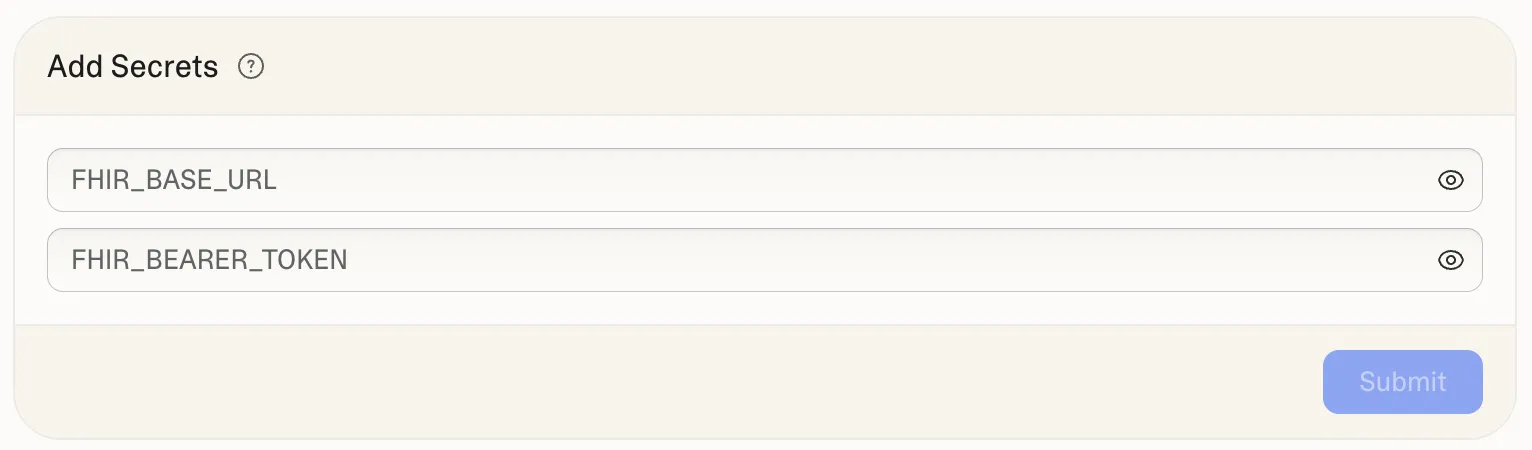
Paste the prompt into Lovable and hit send. It will ask you to enable Lovable Cloud for storing secrets. Allow it. Then it will ask for your FHIR base URL and bearer token. You can get both from the Export section of the Medblocks platform.
The result
Once Lovable finishes, you should see a preview of the app. To verify the output, you can go through each feature and confirm it is working:
- Does the patient list load from the FHIR server?
- Does the create form appear with all the right fields?
- Does clicking Edit on a patient open the form pre-filled with their details?
- Does saving a patient update the list?
- Does the search input filter patients by name with partial matches?
Always verify the output, vibe-coding to ensure the output matches your requirements. If everything looks good, you are done with the build.
The prompt above only covers the core requirements. You can take it further by prompting to change the style or add new fields.
In the next lesson, we’ll look at the actual API calls the app is making and understand what’s happening under the hood.